
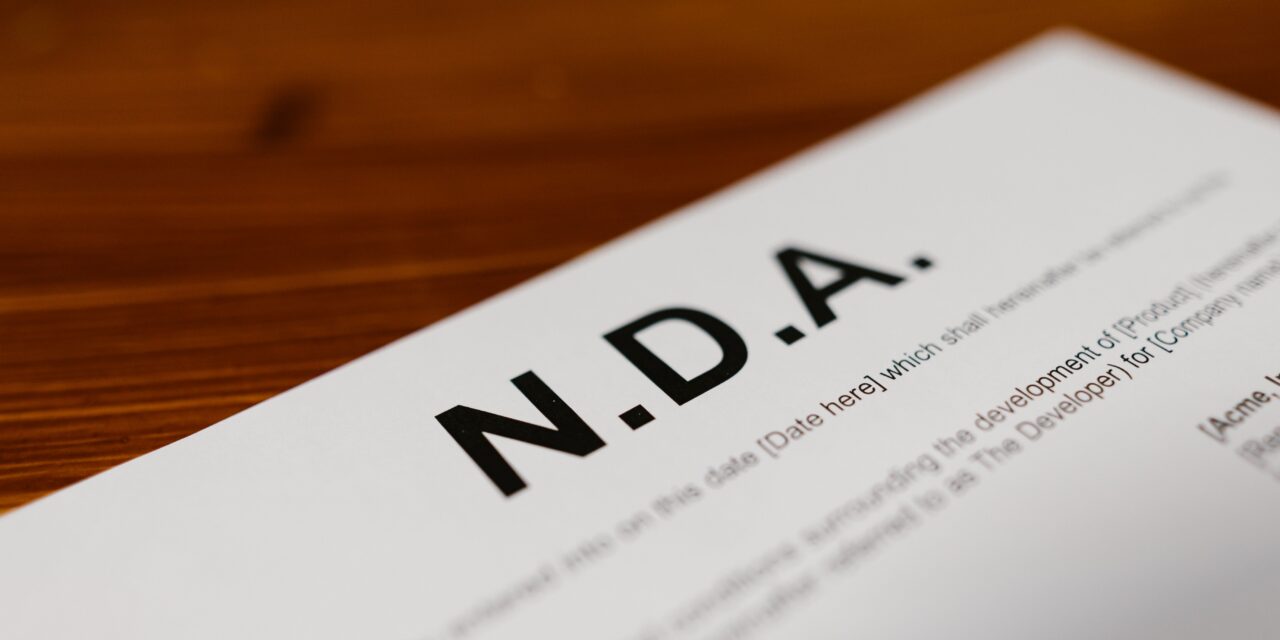
Every NDA template promises to save you from drafting one from scratch, but they aren’t all built the same way. Some skip standard exceptions. Some don’t distinguish between a mutual and a one-way agreement. A few just hand you a document with no way to sign it once it’s filled in. This guide compares the templates worth actually using.
Comparison Table: NDA Templates by Source
| Source | Best for | Covers standard exceptions | Built-in signing | Price |
| Lumin | A fillable template you can sign the same session | Yes | Yes, via Lumin Sign | Free |
| LawDepot | A large library with both mutual and one-way versions | Yes | No | Free to preview; paid to download |
| Rocket Lawyer | A template plus attorney review if needed | Yes | Yes | Free with membership |
| PandaDoc | An NDA bundled with other business templates | Yes | Yes | Free trial |
| Legal Templates | A straightforward, no-frills download | Yes | No | Free to preview; paid to download |
Please note that pricing and features can change over time.
Tool Overviews
1. Lumin
Lumin’s NDA template covers the sections a solid NDA needs: the parties, a clear definition of confidential information, the term, standard exceptions, and signature lines. Fill it in directly, and send it for signature through Lumin Sign without exporting it anywhere else.
That combination, a genuinely complete template plus signing in the same place, is the specific gap a lot of free templates leave open. As with any template, have a version with real stakes reviewed by an attorney before it’s signed.
- Best for: A complete template you can fill in and sign in one sitting.
- Standout: Signing is built in, so there’s no separate tool once the template is filled out.
- Free tier: Free.
- Pricing: Free.
- Note: A drafting aid, not legal advice; have an NDA with real stakes reviewed by an attorney once.
2. LawDepot
LawDepot’s library includes both mutual and one-way NDA versions, built through a guided questionnaire that walks through each clause.
- Best for: Choosing between a mutual and a one-way version through a guided process.
- Standout: Clear separation between the two NDA types, which some templates blur together.
- Free tier: Free to preview; payment to download or edit.
- Pricing: Confirm current plans directly.
- Note: No signing included, so a separate tool is needed to get it signed.
3. Rocket Lawyer
Rocket Lawyer’s template comes with attorney access if a specific clause needs a second opinion before signing.
- Best for: A template with legal backup on standby.
- Standout: Attorney consultations are included in the same membership as the template.
- Free tier: Free with membership.
- Pricing: Confirm current plans directly.
- Note: Membership costs more than a free template if the attorney access goes unused.
4. PandaDoc
PandaDoc’s NDA template sits alongside other business document templates, useful if you’re already sending proposals or contracts through the same platform.
- Best for: An NDA bundled with other recurring business documents.
- Standout: Templates for several document types in one place.
- Free tier: Free trial.
- Pricing: Confirm current plans directly.
- Note: Signing and tracking are the focus; editing beyond the template is more limited.
5. Legal Templates
Legal Templates offers a straightforward NDA download without much else attached to it.
- Best for: A simple, no-frills template download.
- Standout: A clear, uncomplicated document with nothing extra bundled in.
- Free tier: Free to preview; payment to download or edit.
- Pricing: Confirm current plans directly.
- Note: No signing included, and no attorney access if a question comes up.
Why Lumin Stands Out
A template that’s genuinely complete and a signature that happens without leaving the page solve the two things people actually get stuck on: whether the document covers what it needs to, and how to get it signed once it does. Lumin’s NDA template covers the standard clauses, and Lumin Sign handles the signature step in the same session.
LawDepot’s separation between mutual and one-way versions is a genuine strength worth using if you’re unsure which type fits your situation. Rocket Lawyer’s attorney access is worth the membership if legal questions come up often. For getting a complete NDA filled in and signed without switching tools, Lumin is the best choice.
Closing Thoughts
For a complete template you can fill in and sign the same day, Lumin covers what most people actually need. Have anything with real stakes reviewed by an attorney before it’s signed, regardless of which template you start from.
FAQ
What’s the best free NDA template? Lumin’s NDA template is free and covers the standard clauses, with signing built in through Lumin Sign. LawDepot and Legal Templates both offer free previews, though downloading or editing may require payment, and neither includes signing.
Do I need a lawyer if I use a template? For a low-stakes, standard situation, a complete template often covers what’s needed. For an NDA with real business or technical stakes, have the filled-in version reviewed by an attorney before anyone signs it.
Can I get an NDA template signed without a separate tool? Yes, with Lumin. Fill in the template and send it for signature through Lumin Sign in the same session. LawDepot and Legal Templates both require a separate signing tool once the document is filled in.
What should I check before using any NDA template? Confirm it includes a clear definition of confidential information, a stated term, and standard exceptions like information already public or independently developed. A template missing these can end up weaker than it looks.
Is a mutual NDA the same as a one-way NDA? No. A one-way NDA protects only one party’s confidential information, while a mutual NDA protects both parties’. LawDepot’s library makes this choice explicit; other templates sometimes blur the distinction, so confirm which type you’re actually using.




Recent Comments