

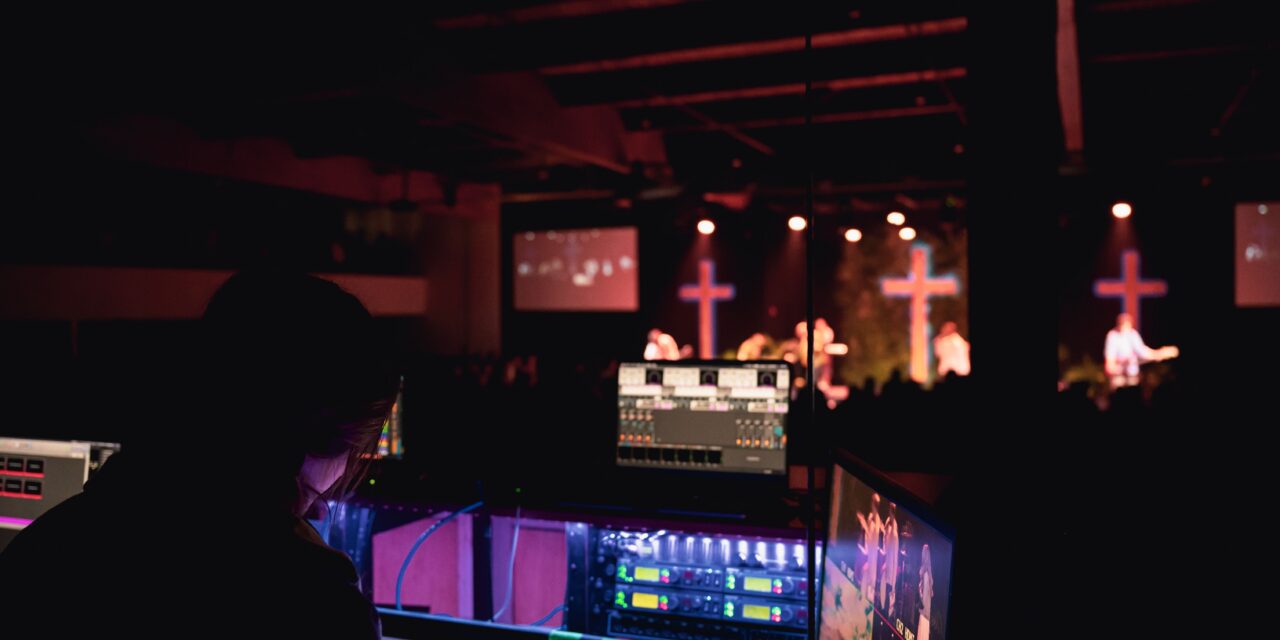
Every congregation has members who cannot make it on Sunday anymore. They are recovering from a hip replacement, living in assisted care, caring for a spouse, or simply unable to drive after dark in winter. For decades, the church reached them through visits, cassette tapes and the bulletin in the mail.
Today most of them can watch the service live. The question for church leaders is no longer whether to stream, but how to make the stream work for the people who depend on it most.
Start with who is watching
A stream built for young families on phones looks different from one built for an 85-year-old on a tablet her grandson set up. Before choosing tools, list who actually watches:
- Homebound and care-facility members. Often on a tablet or smart TV, often not on social media.
- Members away for the weekend. On their phones, usually through Facebook or YouTube.
- Visitors checking out the church. Searching YouTube or landing on the church website.
- Family at funerals and weddings. Joining once, from far away, with a link someone texted them.
That mix is why live streaming for churches usually means more than one destination. A tablet user may find a player on the church website easiest. A grandson in another state will open YouTube. Multistreaming tools such as Restream send one stream to several places at once, so nobody has to change their habits.
Make it easy to find
The biggest complaint from older viewers is not picture quality. It is not knowing where to click.
- Use the same link every week. A page on the church website with the player, or a YouTube channel link, that never changes.
- Schedule the stream ahead of time. A scheduled YouTube event shows a countdown and lets viewers set a reminder.
- Print it. Put the link and a QR code in the bulletin and the newsletter. Ask a deacon to set it up on members’ tablets during visits.
Make it easy to hear
For homebound members, the sermon matters most. Sound is where small church streams most often fall short.
- Run a cable from the sound desk instead of relying on the camera’s microphone.
- Make sure the pastor’s microphone is louder in the stream mix than it is in the room.
- Ask someone to watch from home for a few Sundays and report what they hear.
- Consider captions. Some platforms generate them automatically; streaming tools increasingly add live captions too.
Make it feel like church, not television
People watching from home want to belong, not just observe.
- Greet them by name. A pastor who says “good morning to everyone joining us online” changes how the stream feels.
- Read the comments. A volunteer can watch the chat and pass along prayer requests. Several streaming tools gather comments from YouTube and Facebook in one window.
- Show the announcements. Online viewers miss the bulletin. Put key dates on screen.
- Share the recording. Members who sleep late or have a doctor’s appointment can watch later. A saved copy can also be sent to someone who asks for a particular sermon.
Keep it simple for the volunteers
Most church streams are run by one or two volunteers. Church staff we spoke with described media roles that grew to include “sound, lights, streaming, all of that” with no extra help. Choose tools that a new volunteer can learn in one Sunday. Write a one-page checklist. Run a short test midweek.
A small church can start with one camera, a cable from the sound board, a laptop and a free plan on a streaming service. Paid tiers add things that matter as the audience grows, such as streaming to a Facebook Page, a player on the church website, more team members, and scheduling a recorded service to air later.
The ministry behind the camera
One pastor wrote in a public review of his church’s streaming tool that sending services to Facebook and YouTube at once, and scheduling recorded videos, keeps his congregation engaged during the week.
For a member who has not been inside the sanctuary in two years, that engagement is the difference between belonging to a church and remembering one.





Recent Comments